Downloads
Installers and user guides for both plugins. If you have just bought a licence, your key is in the purchase email. Install below, open the plugin in your DAW, and enter that email address and key when the activation screen appears.


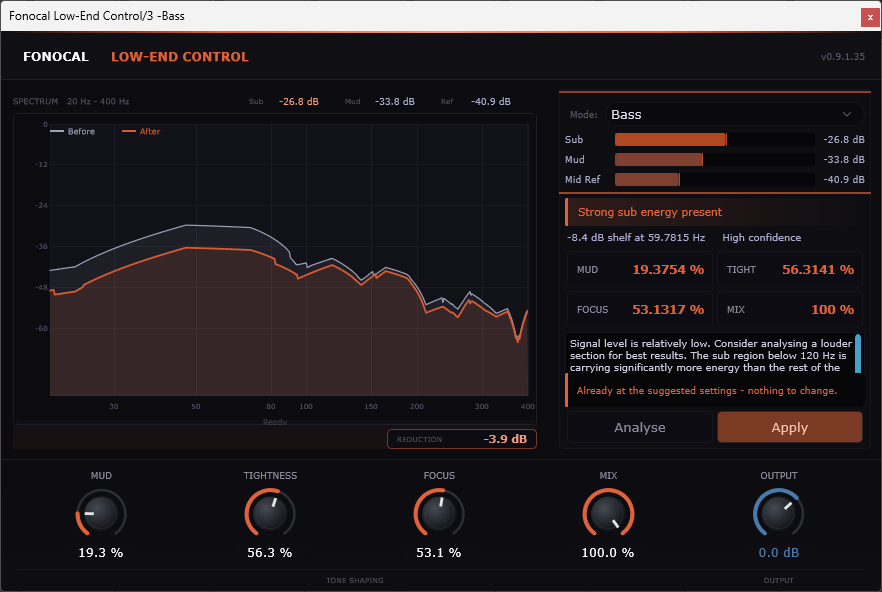
Low-End Control
Version 1.0.30. One licence key works on Windows and macOS.Activating
Run the installer, rescan plugins in your DAW and insert the plugin on any track. Enter the email address you bought with and your key, which looks like FNCL-XXXX-XXXX-XXXX-XXXX, then click Activate. An internet connection is needed for this step only.
Where it installs
Windows: C:\Program Files\Common Files\VST3\. macOS: /Library/Audio/Plug-Ins/VST3/ and, for the AU, /Library/Audio/Plug-Ins/Components/. If the plugin does not appear, rescan those folders in your DAW.
Updates and new computers
Updates are free: run the new installer and your activation carries over. Each licence covers 3 machines; free up a slot in the account portal before activating on a new one.
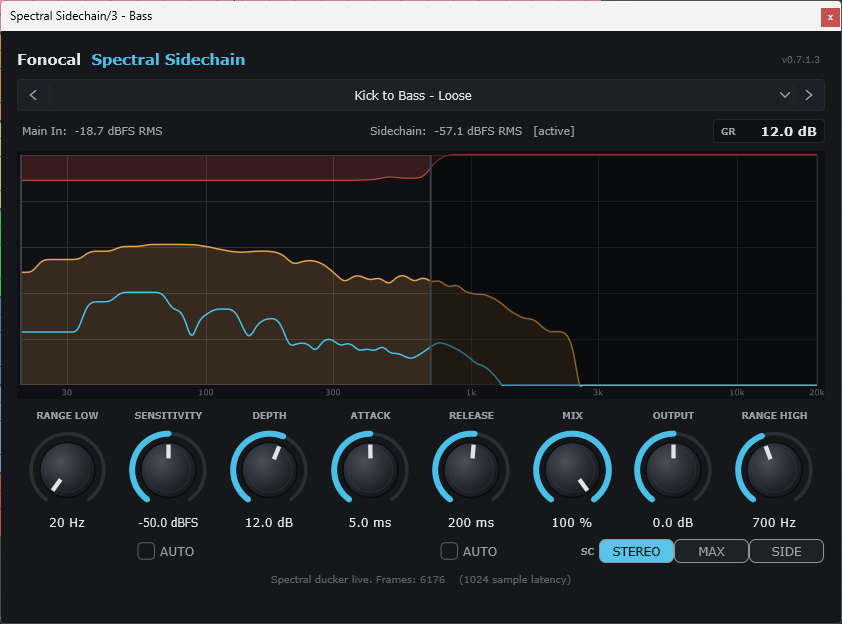
Not bought yet? Each plugin is $39 with a 30-day money-back guarantee: Spectral Sidechain or Low-End Control. The key arrives by email and you come straight back here.